
ChatGPT on WhatsApp — it was the easiest way to use AI directly inside a messenger. Since January 2026, that's over. Meta banned all third-party AI assistants from WhatsApp. So what's left? And how can you still use AI on WhatsApp for your business? This guide covers what changed, which alternatives exist, and how to set up a GDPR-compliant AI chatbot on WhatsApp.
What Happened? ChatGPT and WhatsApp — the End of a Short Era
In December 2024, OpenAI launched direct ChatGPT integration into WhatsApp. Over 50 million users chatted with the AI via the number 1-800-ChatGPT. Image generation, answering questions, writing code — all directly inside the messenger.
Then Meta pulled the plug.
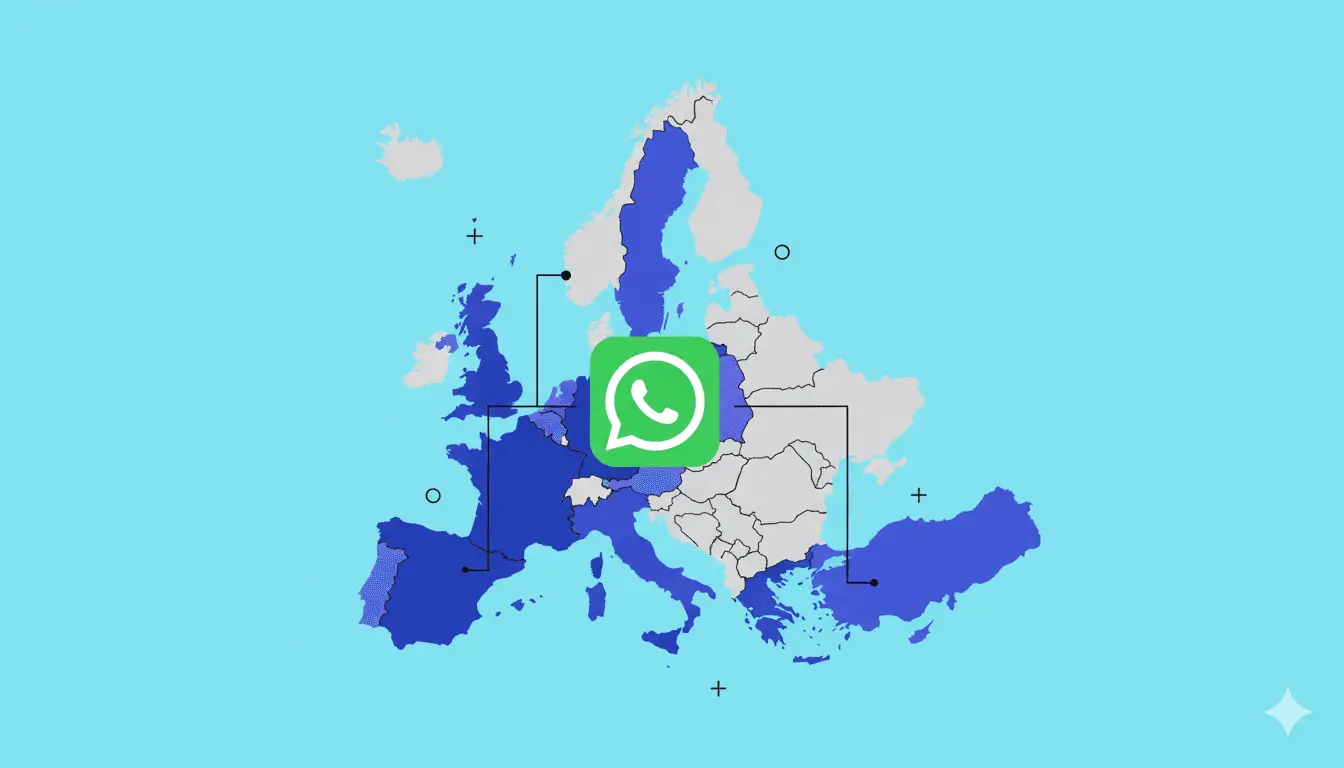
On January 15, 2026, Meta blocked all third-party AI assistants on WhatsApp. Affected: ChatGPT, Microsoft Copilot, Perplexity, and every other general-purpose AI. The reason: an update to WhatsApp's Business API policy. Meta no longer allows open AI assistants on the platform. The only general-purpose AI that remains is Meta AI — Meta's own assistant.
In plain terms: If you used ChatGPT on WhatsApp for quick answers, you now need to switch to the ChatGPT app, browser, or ChatGPT Atlas (Mac).
But — and this is the crucial point for businesses: The ban only targets general-purpose AI assistants. Purpose-built business chatbots running on the WhatsApp Business API are explicitly still permitted. Customer service, order status, returns processing, product recommendations — all of that still works.
In other words: For e-commerce businesses, nothing got worse. Quite the opposite.
ChatGPT WhatsApp for Businesses: What Still Works in 2026?
Since 2026, Meta draws a clear line between two categories:
| Category | Status Since January 2026 | Example |
|---|---|---|
| General-Purpose AI | Blocked on WhatsApp | ChatGPT, Copilot, Perplexity |
| Purpose-Built Business Bots | Still permitted | Chatarmin, armincx, other Business API solutions |
The WhatsApp Business API still allows AI-powered chatbots that serve a clearly defined purpose: customer service, order processing, appointment booking, FAQ responses, product recommendations.
What's no longer possible: Open AI assistants that answer everything. What absolutely still works: An AI chatbot that knows your product catalog, accesses order data, and resolves tickets autonomously.
The result? For businesses using WhatsApp as a service channel, the situation is actually better than before. Because while ChatGPT on WhatsApp was a nice toy, specialized business chatbots solve real problems.
How an AI Chatbot on WhatsApp Works with Chatarmin
Chatarmin's AI solution armincx uses the official WhatsApp Business API. That means: GDPR-compliant, Meta-certified, and unaffected by the new policy.
Setup in three steps:
1. Train Your Knowledge Base
Your AI chatbot learns from your own data: PDF documents, web pages, historical support tickets, Notion pages, and internal documentation.
The better the data, the better the answers. Many businesses start with a thin knowledge base and wonder why the bot hallucinates. That's the most common mistake.
2. Connect Integrations
A text-only bot isn't enough in 2026. The real value comes when your chatbot accesses backend data and executes actions.
Through Chatarmin's Shopify integration, your bot can for example:
- Pull order status in real time ("Where is my order?")
- Change shipping addresses directly in the Shopify backend
- Automatically generate return labels
- Reissue invoices to a different name
This also works with WooCommerce, Shopware, and other European shop systems. That's the difference: ChatGPT could explain how returns work. armincx actually creates the return for you.
3. Set Up Your Support Hierarchy
Not every inquiry can or should be handled by a bot. The smart hierarchy:
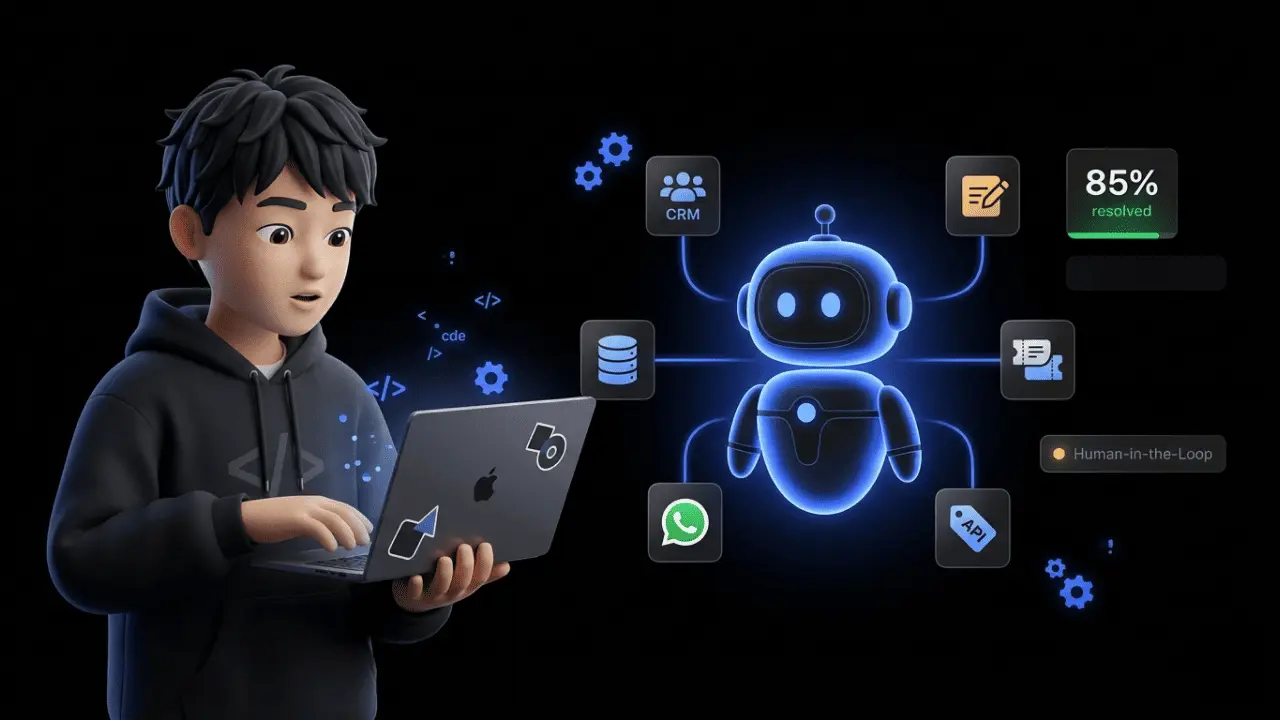
- AI Agent (armincx): Resolves 40–80 % of incoming tickets automatically — including real backend actions
- Static Flow Bot: For standardized queries you build yourself using the Chatarmin Flow Builder
- Human Agents: For complex complaints, emotional conversations, and edge cases — with full context from the bot conversation
- Helpdesk Integration: Your team continues working in Zendesk, Gorgias, or Freshdesk while the WhatsApp channel runs in parallel
The bot knows when it's stuck. And then hands off to a human — with the complete conversation history. No customer has to explain their issue three times.
Why a Specialized WhatsApp Chatbot Beats ChatGPT
It sounds counterintuitive. ChatGPT is the most powerful language model in the world — and yet on WhatsApp, it was only marginally useful for businesses.
The reason: ChatGPT knows everything about the world, but nothing about your business.
| Criterion | ChatGPT on WhatsApp (until Jan. 2026) | Specialized AI Chatbot (e.g., armincx) |
|---|---|---|
| Knowledge of your products | None | Trained on your data |
| Access to order data | No | Yes (Shopify, WooCommerce, etc.) |
| Execute actions | No | Yes (returns, address changes, cancellations) |
| GDPR-compliant | Questionable (US servers) | Yes (EU hosting) |
| Meta Policy 2026 | Blocked | Still permitted |
| Cost per message | Limited to free tier | Predictable (WhatsApp Business API) |
To put it concretely: When a customer asks "Where is my order 12345?", ChatGPT could at best explain how tracking works in general. armincx pulls the order data from Shopify and replies: "Your order is with DHL, tracking number XY, estimated delivery tomorrow."
That's the difference between a chatbot that talks and one that acts.
GDPR and EU AI Act: What You Need to Know
An AI chatbot on WhatsApp must clear two regulatory hurdles in 2026: the GDPR and the EU AI Act.
GDPR Compliance:
- Opt-in: Users must actively consent before you message them on WhatsApp. No opt-in, no chat. This applies to AI responses too.
- EU Hosting: Customer data must not end up on US servers. Chatarmin hosts all data on EU servers — a point where many US-based tools fall short.
- DPA: You need a Data Processing Agreement with your WhatsApp provider. Chatarmin provides a DPA by default.
- Right to Deletion: Customers must be able to opt out at any time. WhatsApp has a built-in opt-out mechanism for this.
EU AI Act (in effect since 2025/2026):
- Transparency Requirement: Customers must know they're talking to an AI. A notice like "You're currently chatting with our AI assistant" is mandatory.
- Risk Classification: AI in customer service falls under "limited risk" — transparency obligation yes, complex certification no.
- Data Usage: Are customer conversations used for AI training? At Chatarmin, no. The AI works on the basis of your defined knowledge base (RAG approach), without using customer data for model training.
Why this matters for your tool choice: Many AI tools — especially US-based ones — can't guarantee GDPR compliance. ChatGPT on WhatsApp was a prime example: OpenAI servers in the US, unclear whether chat data was used for training. For GDPR-compliant WhatsApp, you need a European provider with EU hosting.
What Does an AI Chatbot on WhatsApp Cost?
Costs depend on three factors: the provider, message volume, and integration depth.
- WhatsApp Business API fees: Meta charges approximately €0.11 per marketing message and €0.05–0.07 per service message (customer service conversations are cheaper)
- Software costs: Professional solutions start at around €500/month. Enterprise setups with deep ERP integration cost more.
- Setup: One-time configuration including knowledge base training. With specialized e-commerce solutions like Chatarmin, this is significantly faster than with enterprise generalists.
A detailed cost breakdown is available in the chatbot pricing guide. You can also use the Chatarmin Chatbot ROI Calculator to determine when the investment pays off for your shop.
Honest take: If your shop processes fewer than 1,000 orders per month, an AI chatbot on WhatsApp often doesn't pay for itself yet. The sweet spot starts at around 2,000 monthly orders — that's when you have enough ticket volume for automation to deliver real ROI.
Conclusion: ChatGPT Is Gone — WhatsApp AI Lives On
ChatGPT on WhatsApp was a brief experiment. For end users, it was convenient. For businesses, it was never the right solution.
What matters in 2026: Specialized AI chatbots that run on the WhatsApp Business API, know your business data, and can execute real actions. GDPR-compliant. EU AI Act-compliant. And unaffected by Meta's policy change.
Chatarmin delivers exactly that: An AI agent for WhatsApp customer service that resolves tickets instead of just generating text.
Want to see how this works for your shop? Book a demo — we'll show you in 30 minutes.
BGKR, JM
FAQ: ChatGPT and WhatsApp
Can I still use ChatGPT on WhatsApp?
No. Since January 15, 2026, Meta has blocked all third-party AI assistants on WhatsApp — including ChatGPT, Copilot, and Perplexity. You can still use ChatGPT via the official app (iOS, Android, Mac) and browser.
Why did Meta remove ChatGPT from WhatsApp?
Meta updated its Business API policy in October 2025, banning general-purpose AI assistants from the platform. Officially, the Business API is meant for customer support and updates only. Unofficially, this strengthens Meta's own assistant, Meta AI.
Are business WhatsApp chatbots also affected?
No. Purpose-built business chatbots on the WhatsApp Business API are explicitly still permitted. The ban only targets open, general-purpose AI assistants — not chatbots for customer service, order tracking, or returns.
Is Meta AI a replacement for ChatGPT on WhatsApp?
Partially. Meta AI is the only general-purpose AI left on WhatsApp and can answer open-ended questions. But for businesses, it's no replacement — it has no access to your shop data and can't execute backend actions like returns or address changes.
Can I connect ChatGPT via the WhatsApp Business API?
No, not as a standalone assistant. Meta's new policy prohibits general-purpose AI on WhatsApp. What does work: business chatbots that use an LLM (e.g., GPT-4) internally but serve a clearly defined purpose — such as customer service or product advice.
What's the difference between ChatGPT and a business AI chatbot?
ChatGPT is a general-purpose assistant with no access to your business data. A business AI chatbot like armincx is trained on your data, pulls order info from Shopify or WooCommerce, and executes real actions — processing returns, changing addresses, generating invoices.
Is an AI chatbot on WhatsApp GDPR-compliant?
Yes, if the requirements are met: EU hosting, a DPA with the provider, active customer opt-in, and no use of chat data for AI training. Many US-based tools can't guarantee this. Chatarmin meets all GDPR requirements out of the box.
Does the EU AI Act apply to WhatsApp chatbots?
Yes. Since 2025/2026, the transparency requirement applies: customers must know they're talking to AI. Customer service chatbots fall under "limited risk" — no complex certification needed, but a clear AI disclosure is mandatory.
How much does an AI chatbot on WhatsApp cost?
Starting at around €500/month for professional solutions. Add WhatsApp Business API fees of roughly €0.05–0.11 per message depending on type, plus one-time setup. From around 2,000 monthly orders, automation typically pays for itself within a few months.
How long does it take to set up a WhatsApp AI chatbot?
With specialized e-commerce solutions like Chatarmin, a few weeks. The timeline depends mainly on integration depth (Shopify, WooCommerce, Shopware) and knowledge base scope. An MVP covering the most common FAQ answers can often go live in just a few days.
![Is WhatsApp GDPR compliant? WhatsApp privacy in the spotlight [Update 2026]](https://cdn.sanity.io/images/vmmgqf0p/production/66abe4df0b987a9dff483b3a7599b54edaccd441-1920x1305.webp?fm=webp&fit=max)