GDPR-Compliant
ISO 27001
Test Mode Before Going Live
With armincx by Chatarmin, you connect Sage 100 via SData M2M, Sage's API gateway. Your team sees the Sage customer and the matching sales documents in the ticket, and your AI agents use the actions set up for your account.


































Quick check for decision makers
See customer data, review actions, test safely: with Sage 100 in armincx, context from your ERP comes into customer service.
armincx connects to your Sage 100 via SData M2M, Sage's API gateway. You enter the M2M Client ID, M2M Client Secret, Entitlement ID and Dataset.
You clarify which actions are available for your account with Chatarmin Support. They also help with the setup.
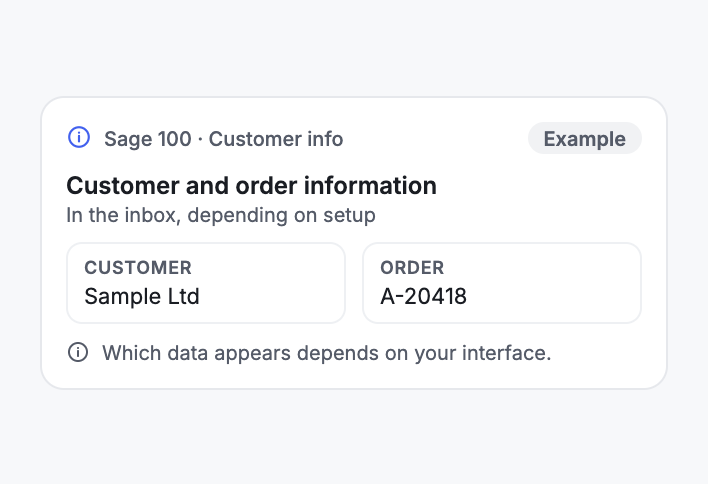
In the ticket sidebar, armincx shows the Sage customer and the matching sales documents. Your team has the context where it answers the request.
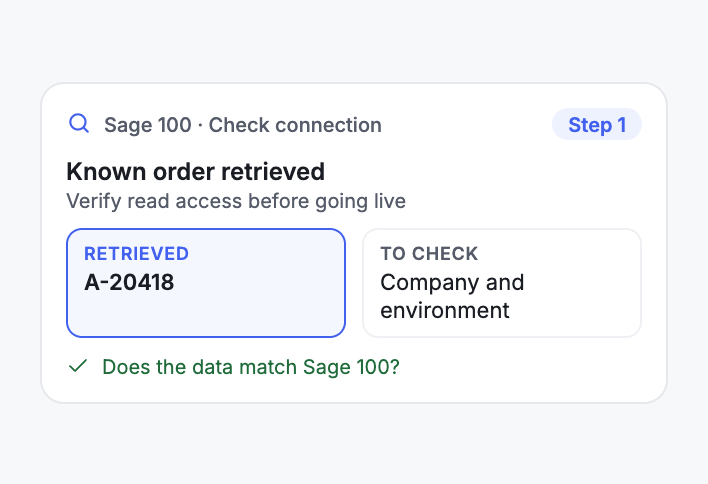
armincx finds the customer via the order number in the ticket subject. The Sage API doesn't offer a search by email address. After connecting, check with a known order that armincx reads from the right company.
Depending on setup, support actions with Sage 100 are available to your AI agents. Write actions run without approval by default, and you can require approval for individual actions if needed.
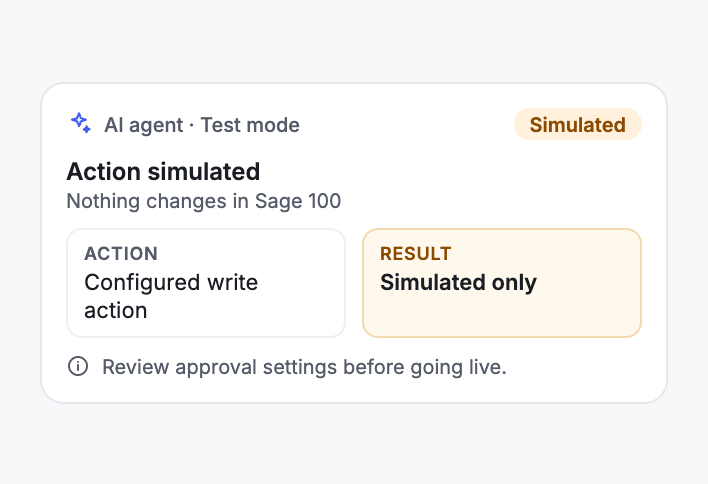
In the AI agent's test mode, configured write actions are simulated. Nothing changes in Sage 100.
Sage 100 is ERP software from Sage. armincx connects via SData M2M, Sage's API gateway, and shows the Sage customer with the matching sales documents in the ticket. Depending on setup, the integration makes support actions available to your AI agents.
For Sage's API gateway, you need the M2M Client ID, the M2M Client Secret, the Entitlement ID and the Dataset, meaning the Sage company armincx should read from.
| Step | What you do |
|---|---|
| Connect Sage 100 | Under Integrations, search for Sage 100, click Connect, give the connection a name and enter the four values. |
| Verify read access | Open a ticket with a known order number in the subject and check that the customer and document come from the right company. |
| Review actions | Check which actions are enabled for your account. By default they run without approval, and you can require approval for individual actions if needed. |
armincx searches via the order number in the ticket subject. The Sage API doesn't offer a search by email address, so tickets without an order number in the subject don't get Sage context.
The test mode of your AI agents simulates configured write actions without changing Sage 100.
You'll find the step-by-step guide in our documentation.
A customer asks about her order. If the order number is in the subject, armincx shows the Sage customer and the matching document in the ticket, so your team doesn't have to check the ERP first.
After connecting, your team retrieves a known customer or order. This shows whether armincx reads from the right company and environment.
Before an action goes live, you test it in the AI agent's test mode. The write action is simulated and nothing changes in Sage 100.
Chatarmin Support helps with questions about the scope of your connection and the supported actions.
The workflow with armincx compared with the workflow where your team looks things up in Sage 100. What's available in your account depends on your setup.

Disclaimer: All data conducted from over 50+ Sales Calls with DACH Ecom Owners
The integration is built for businesses that work with Sage 100 and handle customer service with armincx.
The customer and sales documents are right in the ticket. Your team doesn't have to check Sage 100 before answering.
armincx finds the Sage customer via the order number in the subject. When it's there, your team has the context right in the ticket.
Check read access first, then review actions and approvals, then simulate in test mode. That way, you check every step before you go live.
What leading e-commerce brands from the DACH region say about armincx.
Tobias J.
Braun Büffel

“Intuitive to use and quick in support.”
Dominik Englputzeder
myHarry

“To be honest, we are very excited about the tool. It is exactly what we need.”
Matthias Leibitz
T1TAN

“Top tool. Integrates into our entire tech stack.”
Eren Karacabay
vitabay

“Finally, an AI that doesn’t hallucinate.”
Braun Büffel
“Intuitive to use and quick in support.”
myHarry
“To be honest, we are very excited about the tool. It is exactly what we need.”
T1TAN
“Top tool. Integrates into our entire tech stack.”
vitabay
“Finally, an AI that doesn’t hallucinate.”

You need the M2M Client ID, M2M Client Secret, Entitlement ID and the Dataset of your Sage company.
Under Integrations, search for Sage 100, click Connect and enter the values. Then check a ticket with a known order number.
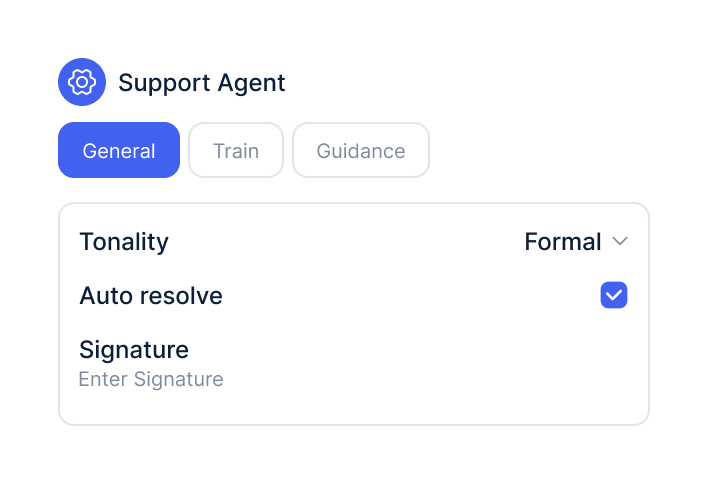
Check which actions are enabled and whether they need approval. Test write actions in test mode first.
You need the M2M Client ID, M2M Client Secret, Entitlement ID and the Dataset of your Sage company.
Under Integrations, search for Sage 100, click Connect and enter the values. Then check a ticket with a known order number.
Check which actions are enabled and whether they need approval. Test write actions in test mode first.
The Sage 100 integration is part of armincx. To connect, you need the access details for Sage's API gateway. Depending on your Sage plan, API access or custom integrations may need to be enabled on that account first.
What armincx costs for your team depends on your ticket volume and the channels you use. In a call, we'll work through your setup with you.
More ERP and inventory management systems for armincx.
Everything you need to know about the integration.
The M2M Client ID, M2M Client Secret, Entitlement ID and the Dataset of your Sage company. armincx uses them to connect via SData M2M, Sage's API gateway.
Yes. Every armincx account can use the SData M2M connection. Which actions your AI agent can use depends on your setup.
The Sage customer and the matching sales documents in the ticket, found via the order number in the subject.
The actions configured for your account. Chatarmin Support can tell you which ones apply to your account.
Open a ticket with a known order number in the subject. This shows whether the customer and document come from the right company.
Not by default. Write actions run without approval, and you can require approval for individual actions if needed.
Yes. The AI agent's test mode simulates configured write actions without changing anything in Sage 100.
Through the Dataset you enter when connecting. Then check with a known order that the data is right.
Chatarmin Support helps with the setup, supported actions and connection behaviour.
No. The Sage API doesn't offer a search by email address, so armincx searches via the order number in the ticket subject.

In 15 minutes, we show you how armincx works with Sage 100 and work out with you which actions fit your setup.